UX/UI design studio
Interfaces that make sense at first sight
We design and redesign apps, websites, kiosks and business systems for healthcare. AI speeds up our work — and we test everything with real people.




Projects that work
Healthcare and public health are our core expertise — from patient apps to systems for medical facilities.
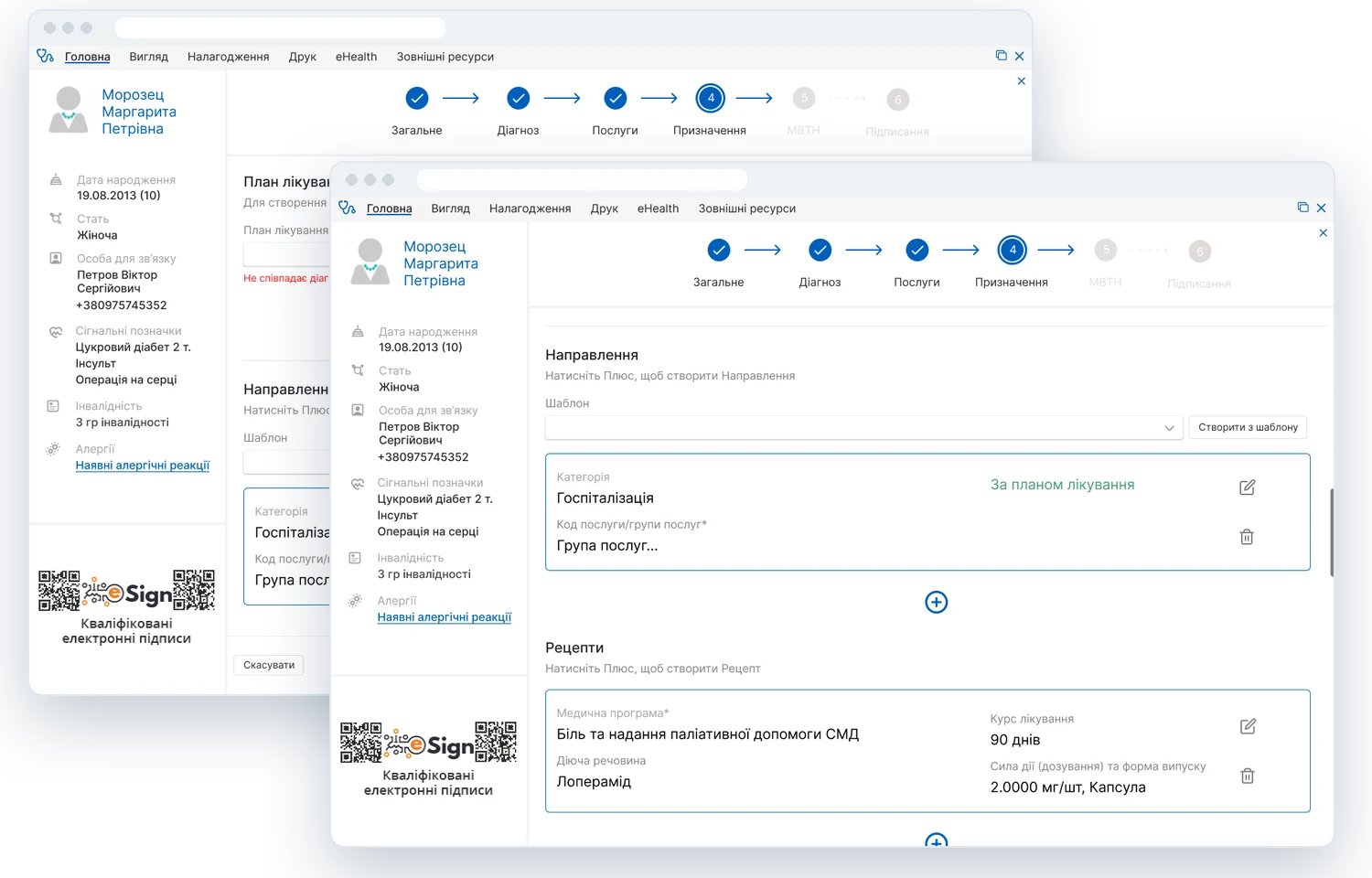
MEDEIR medical information system
A full-featured system that automates the work of medical facilities. We designed new features and redesigned existing ones.
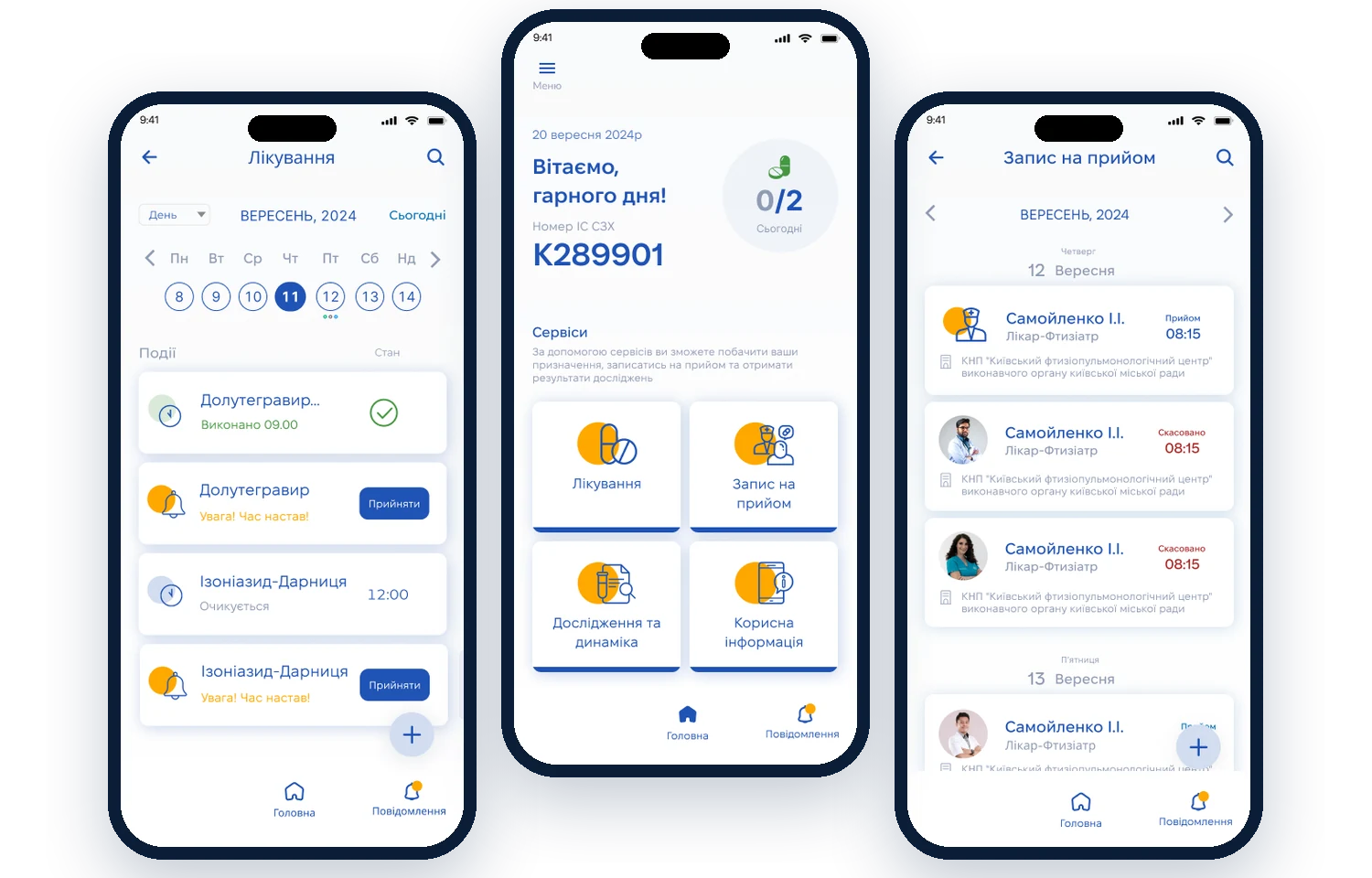
Care4you mobile app
Helps people with chronic conditions take medication on time, book doctor visits and get their test results.
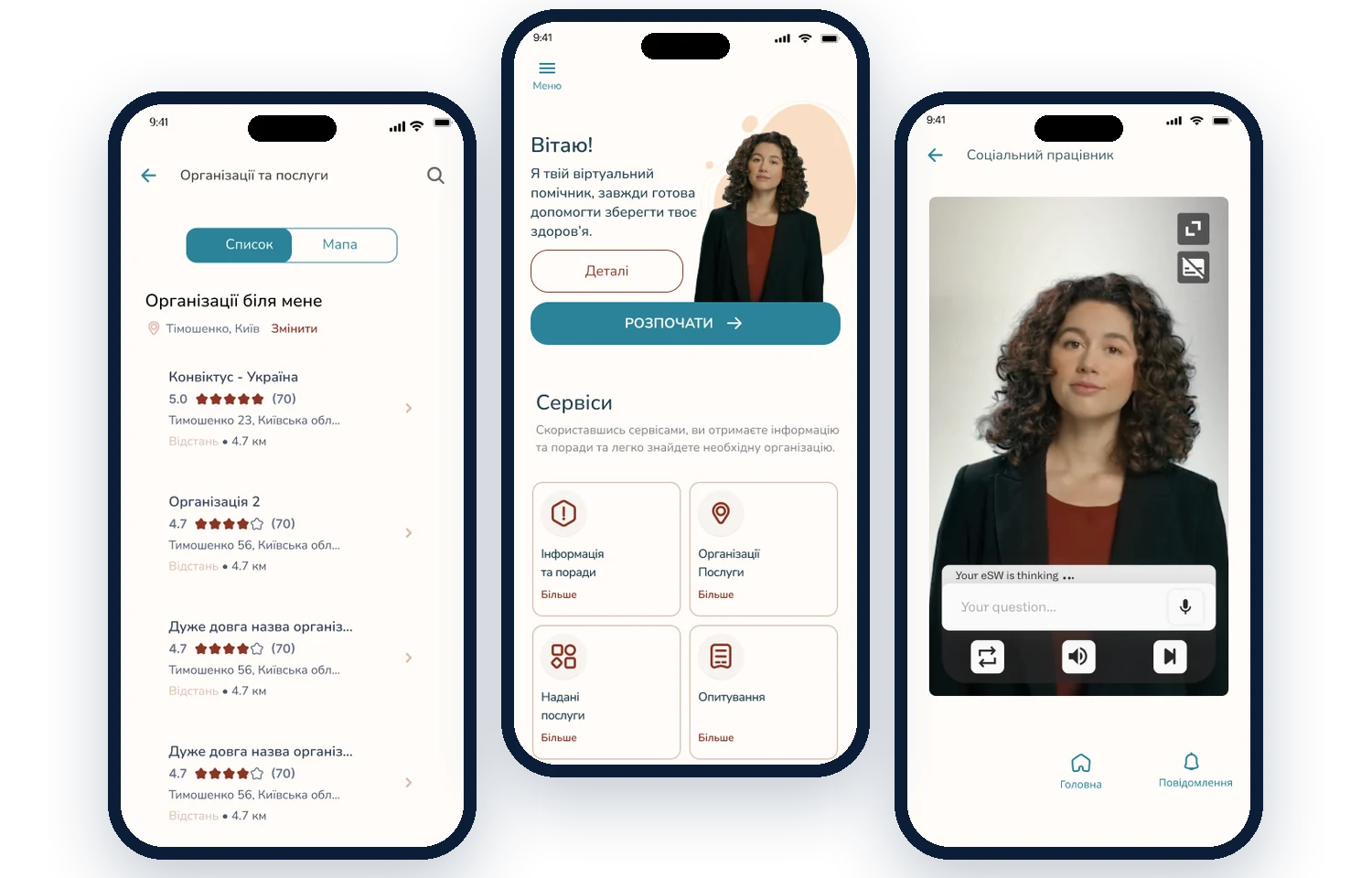
Online consultation app
An AI video consultant, reliable health information and quick search for the right medical facility.
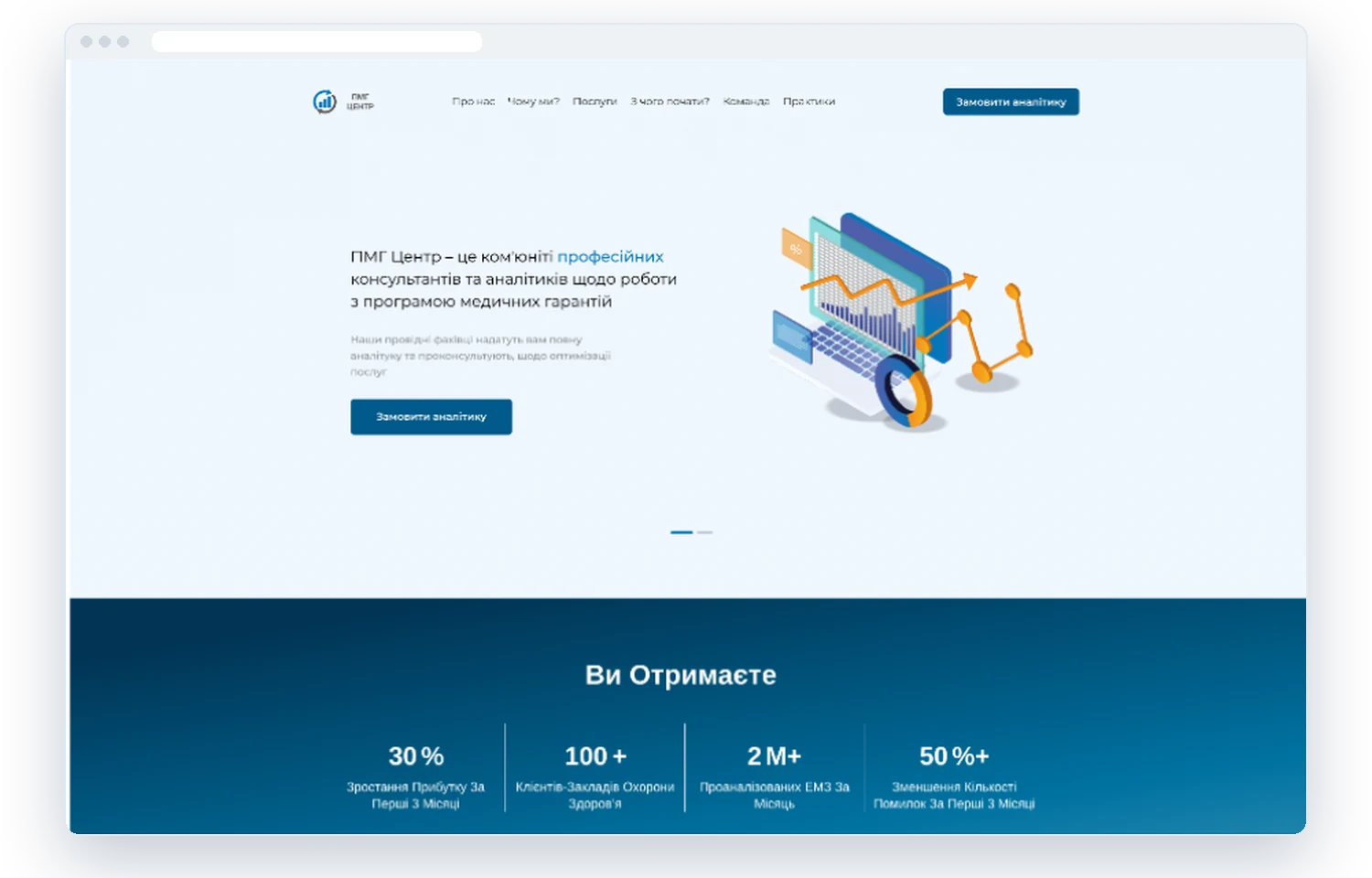
Website for PMG Center
A landing page for a community of consultants and analysts working with Ukraine’s Medical Guarantees Program.
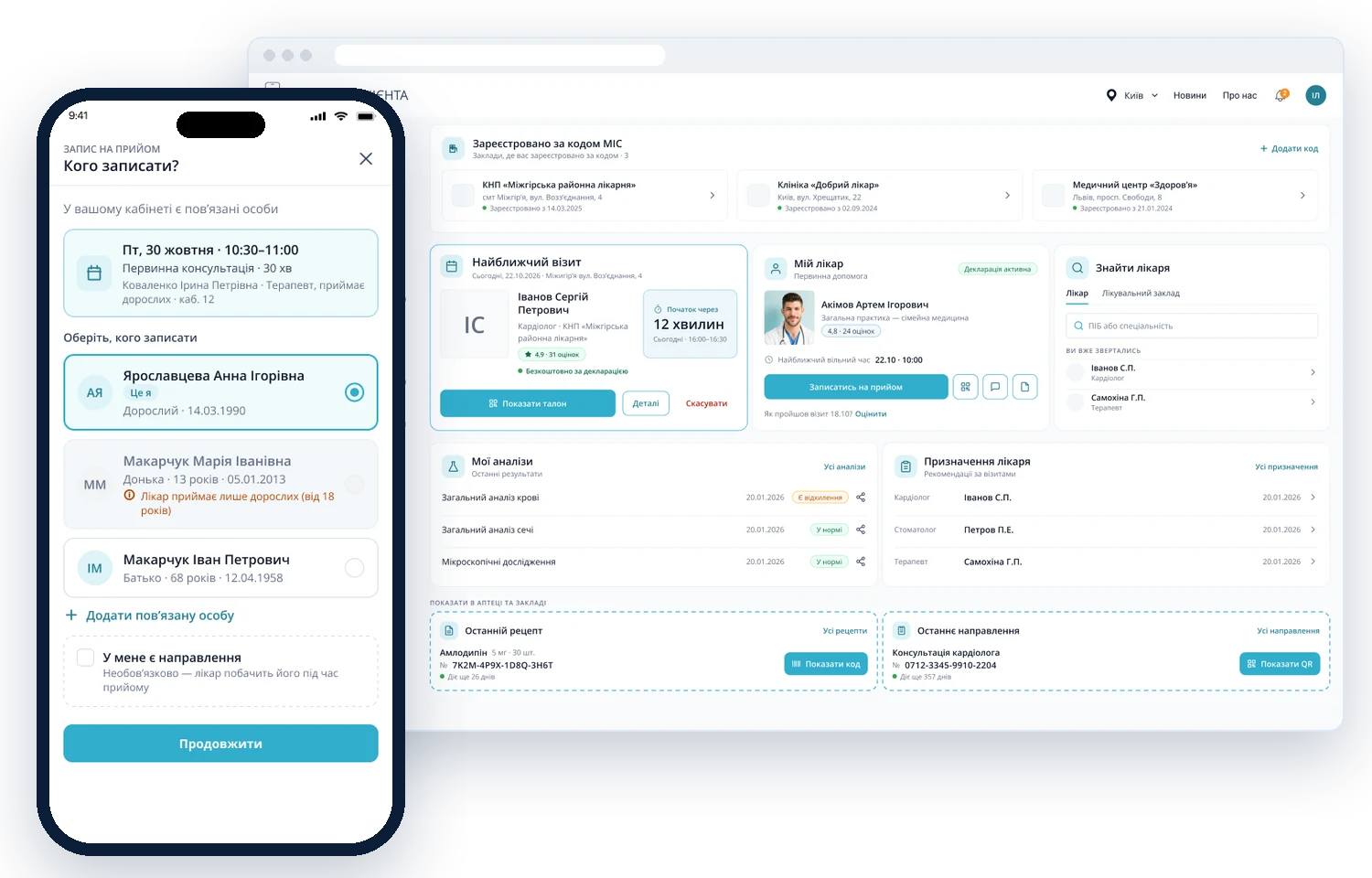
Patient Portal
A patient’s personal account: doctor booking, test results, prescriptions and referrals — on the web and on the phone.
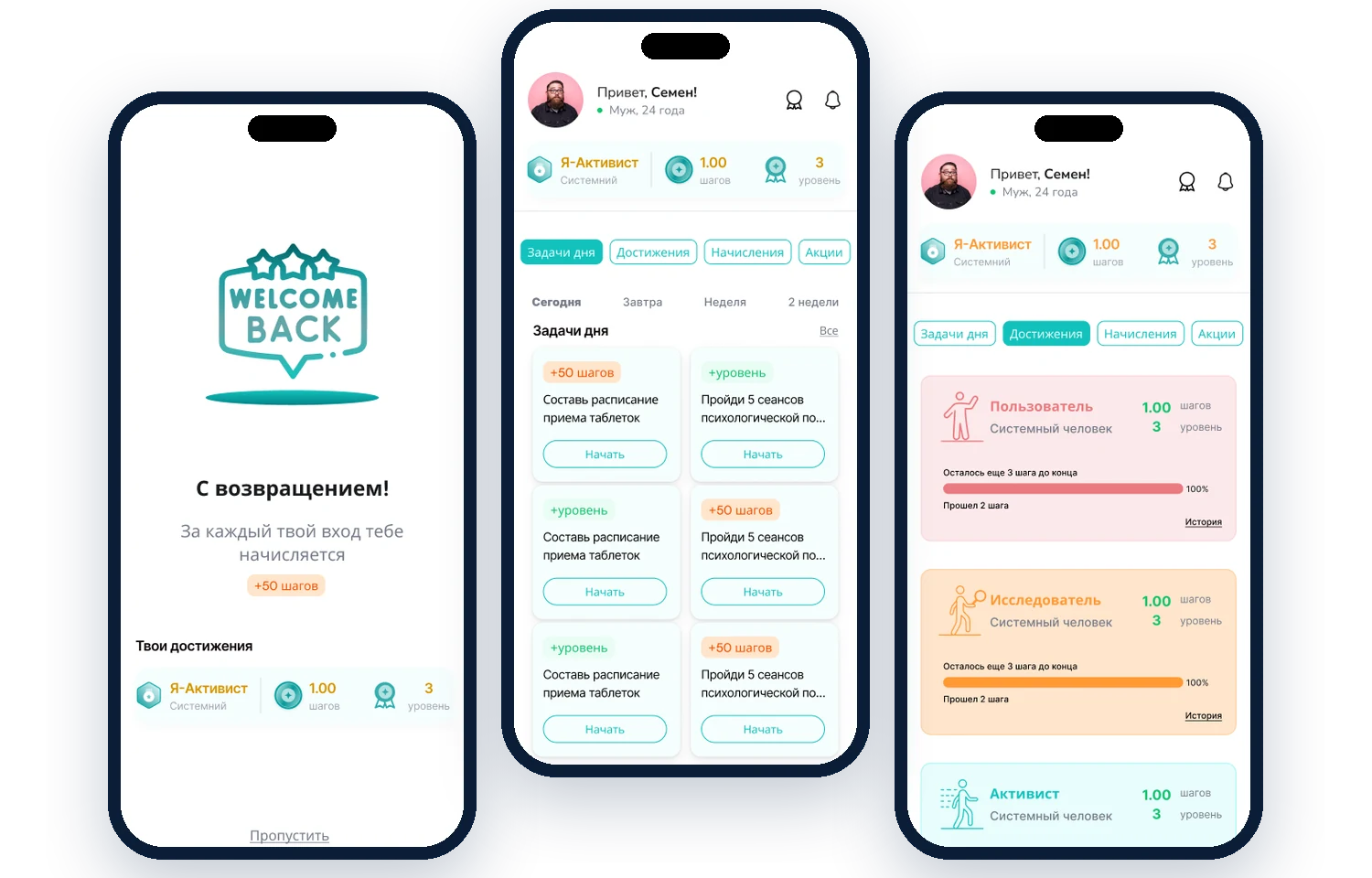
My Life: app and web portal
A mobile app and web portal with gamification: daily tasks, levels and achievements keep patients on track with treatment.
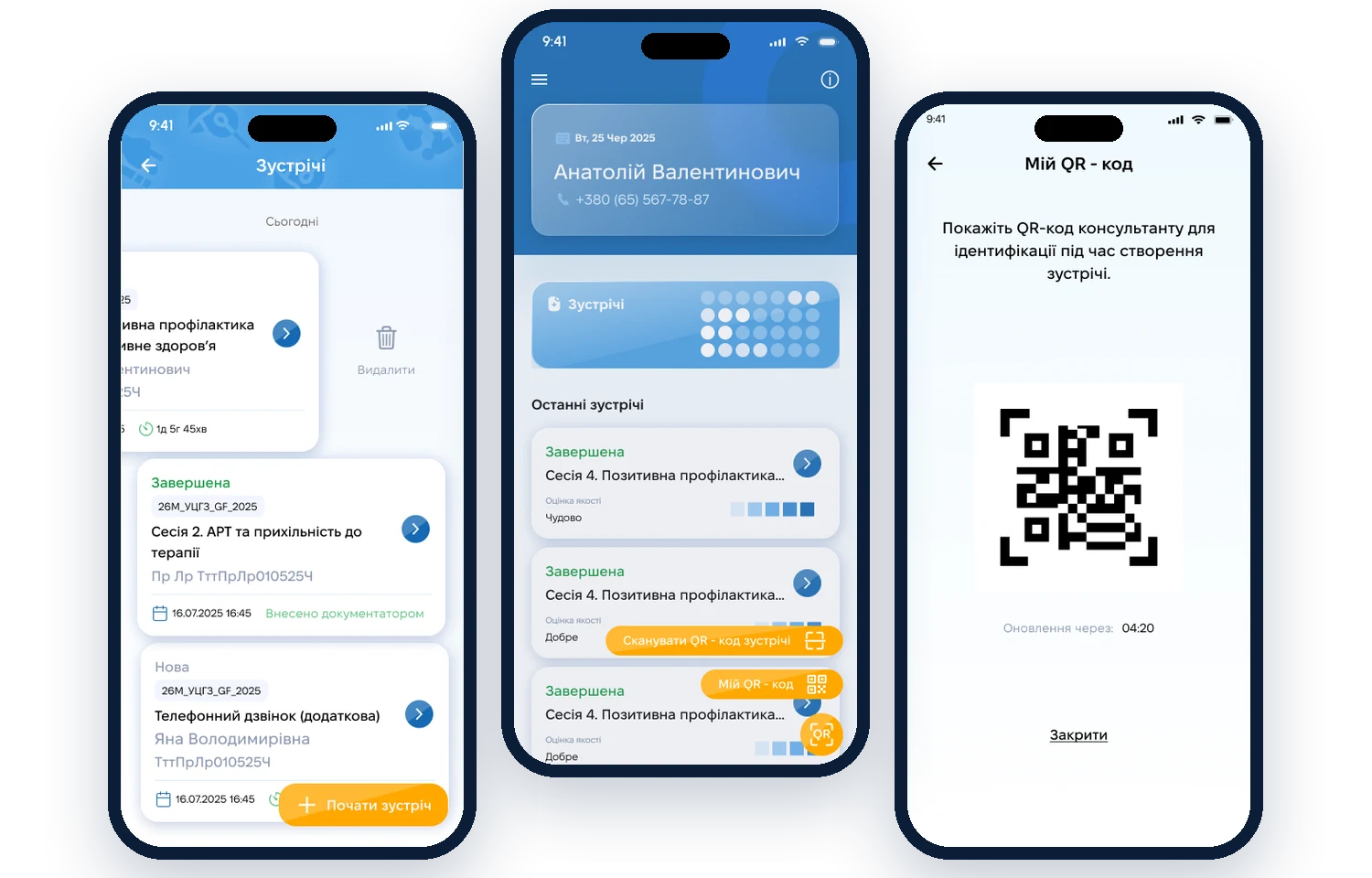
Prevention outreach app
Outreach workers run client sessions, confirm them with a QR code and track sessions and supplies.
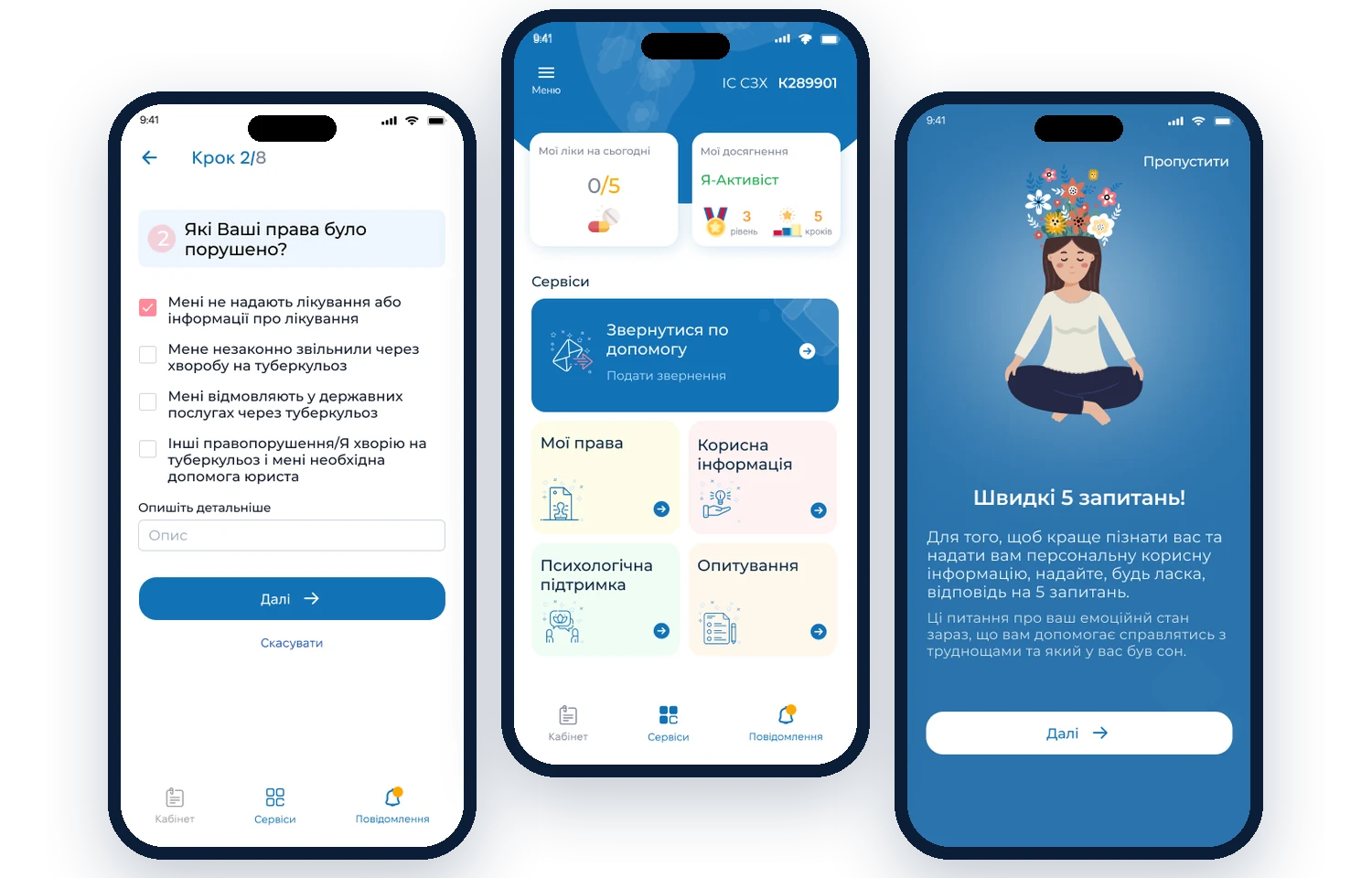
OneImpact Ukraine
An app for people with tuberculosis: reporting rights violations, psychological support and helpful information.
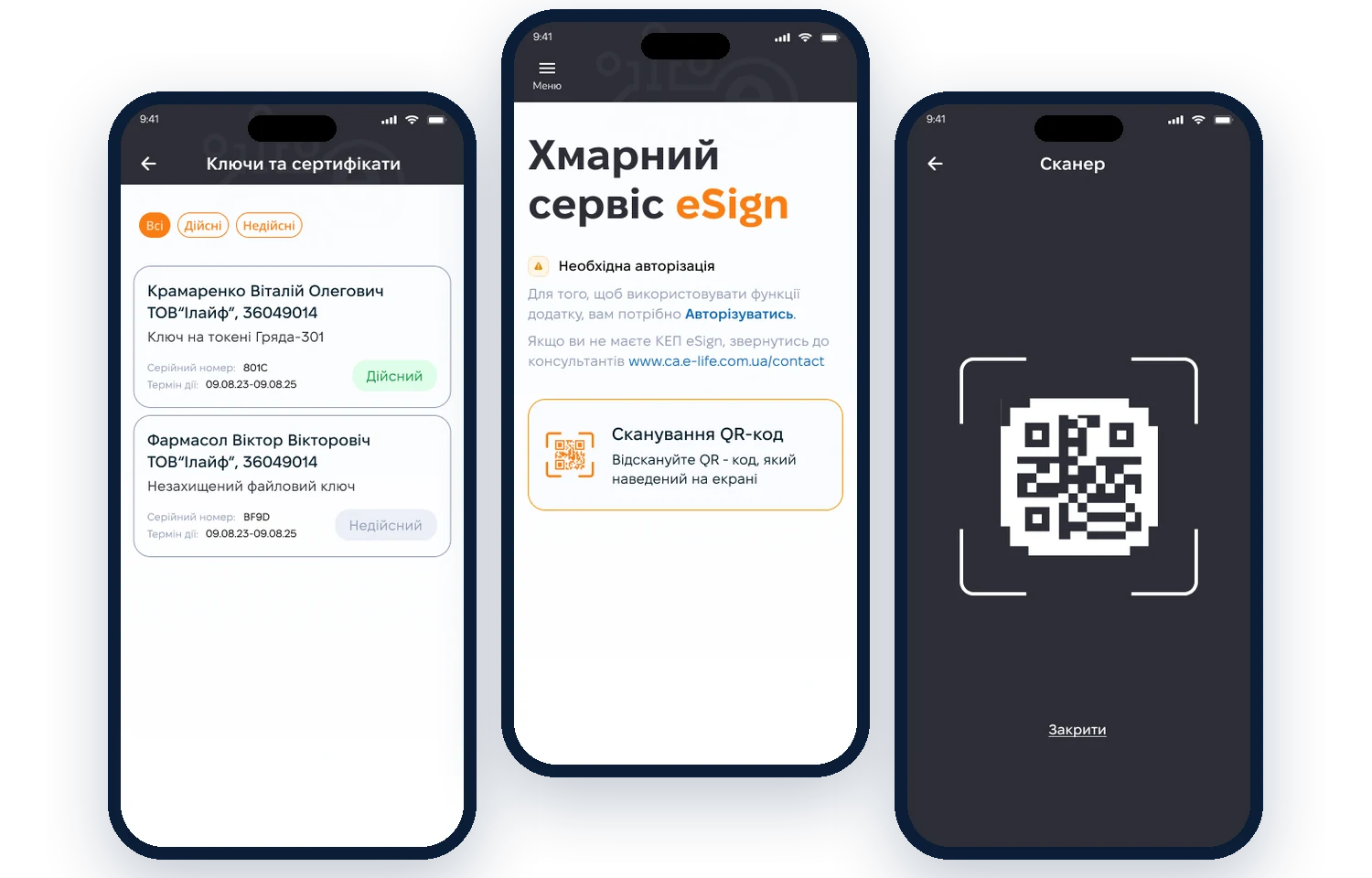
eSign cloud signature
A mobile app for qualified electronic signatures: QR-code login, key and certificate management.
What we design
Mobile apps
iOS and Android: logical navigation, clear flows and an animated prototype for testing.
Websites
Websites and landing pages that build trust and lead visitors to get in touch.
Kiosks
Touch terminals for people seeing the interface for the first time: large tap targets, simple flows, accessibility.
Business systems
CRM, medical and record-keeping systems: we turn complex processes into simple screens.
AI interfaces NEW
Chat assistants, AI consultants, explanations of test results. We design them so people know when a machine is answering, can trust it — and can reach a human. Example: a video consultant for the Alliance
How we work with AI
AI takes over routine work and speeds things up. Decisions, testing with people and responsibility for the result stay with us.
- Transcribes and clusters interviews — in hours, not days
- Generates dozens of screen variants to find the idea faster
- Drafts copy, test data and prototypes
- Checks contrast, sizes and accessibility
- We talk to patients, doctors and administrators
- We make the decisions and own them
- We test flows with real people
- We check medical logic and eHealth requirements
Six steps from idea to prototype
- 01Kick-offGoal, audience, competitors
- 02ResearchPersonas and user behavior
- 03UX designFlows and screen sketches
- 04UI designDesign system and animated prototype
- 05TestingUsability and flow logic
- 06HandoffPrototype and design system for developers
Pricing & timelines
Ballpark figures for typical projects. We calculate the exact estimate by the number of flows and screens — after the brief.
Rapid prototype NEW
A clickable prototype of one key flow — to test the idea with people or show it to investorsWebsite or landing page
Structure, prototype, desktop and mobile design, UI kitMobile app
Research, 3 concept options, animated prototype, design systemKiosk or business system
Process analysis, flows for different roles, user testing“We build a bridge between what your product can do and what people actually need.”
Tell us about your idea
- 01Online call: task, budget, timeline
- 02A business analyst gathers requirements
- 03Estimate and roadmap
- 04Contract — and we start
- what you want to build — an app, website, kiosk or system;
- whether it’s a new product or an update of an existing one;
- a short description of the idea and who it’s for;
- how best to reach you.
Frequently asked questions
How long does design take?
About a month on average: sketches, approval of elements and an animated prototype.
How is the price calculated?
By the number of flows, screens and illustrations. After the brief you get an exact estimate.
What do I need to get started?
A brief — you can fill it in online in about 10 minutes: your answers turn into an email you send from your own inbox. If it’s tricky, we’ll fill it in together on a call.
How many design options will I get?
Three concept options of 2–3 screens each. You choose one — and we design the whole product.
What do developers get?
An animated prototype and a design system with components and states.
You use AI? Then why do I need a designer?
Yes, AI speeds up research and prototyping. But it doesn’t know your users and isn’t accountable for the result. We talk to people, make the decisions and test them in practice — so the interface works, not just looks good.
Do you design AI features — chatbots, assistants?
Yes. We work out how people ask questions, how the AI shows it’s “thinking”, what happens when an answer is inaccurate and how to reach a human specialist. Example: a video consultant for the Alliance for Public Health.
Is it safe to share data with you?
Yes. We never upload client or patient data to public AI services — we use only test data when working with AI. We’re happy to sign an NDA.